
Overview
To use Trade Runner from Maropost (formerly Neto) you will need to go through our account registration and setup process. This will take about 5 minutes. Please follow the steps below including the setup checklist FAQ in the next steps section.
As part of this setup you are required to complete some steps in Maropost to obtain your API Key, please complete the steps in this Article before proceeding.
The Setup Process
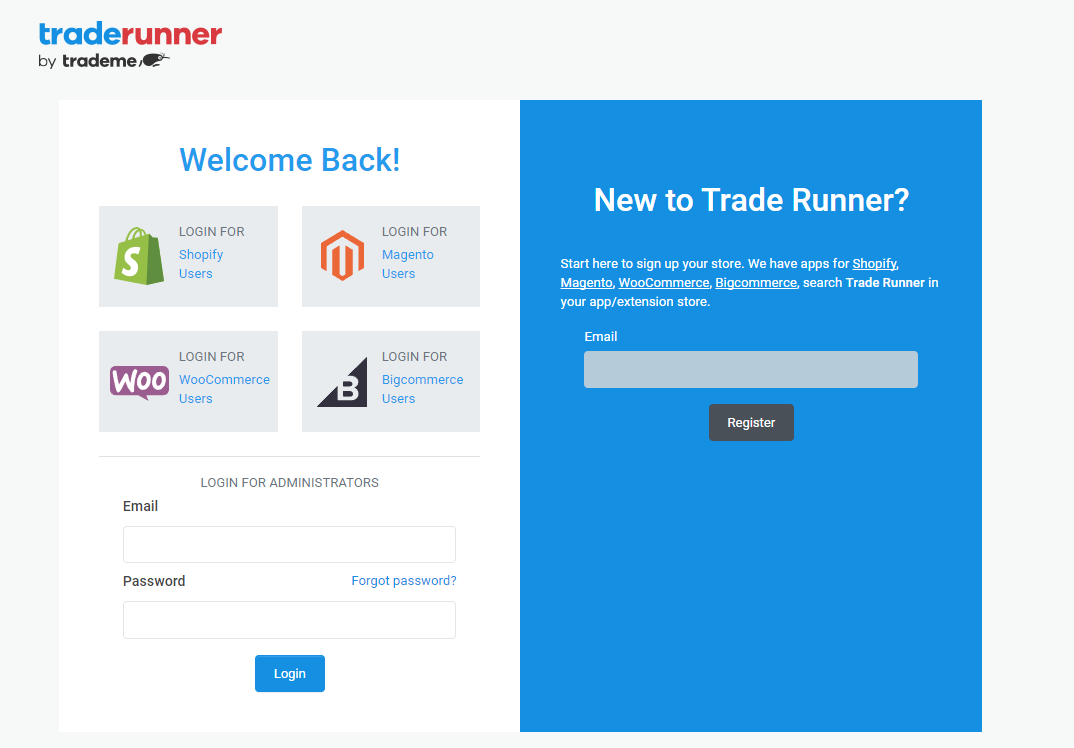
- From the Trade Runner Registration page use the New to Trade Runner section to insert your email address and click 'register'.
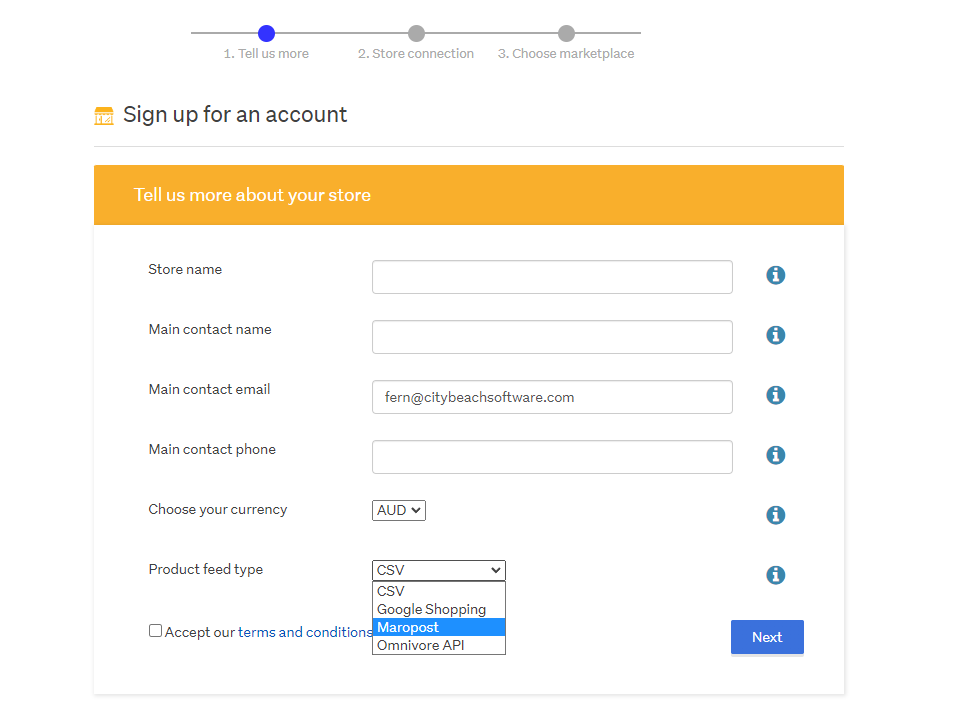
- Enter your Contact Name and Phone, Currency, Product Feed Type (Maropost), accept the Terms and Conditions and click next.
- Before the next step, you will need to log in to Maropost to retrieve your username and access token API details. Have this complete and on hand as you continue.
- In this step you will need to enter your website URL, Username and API Access token obtained from Maropost.
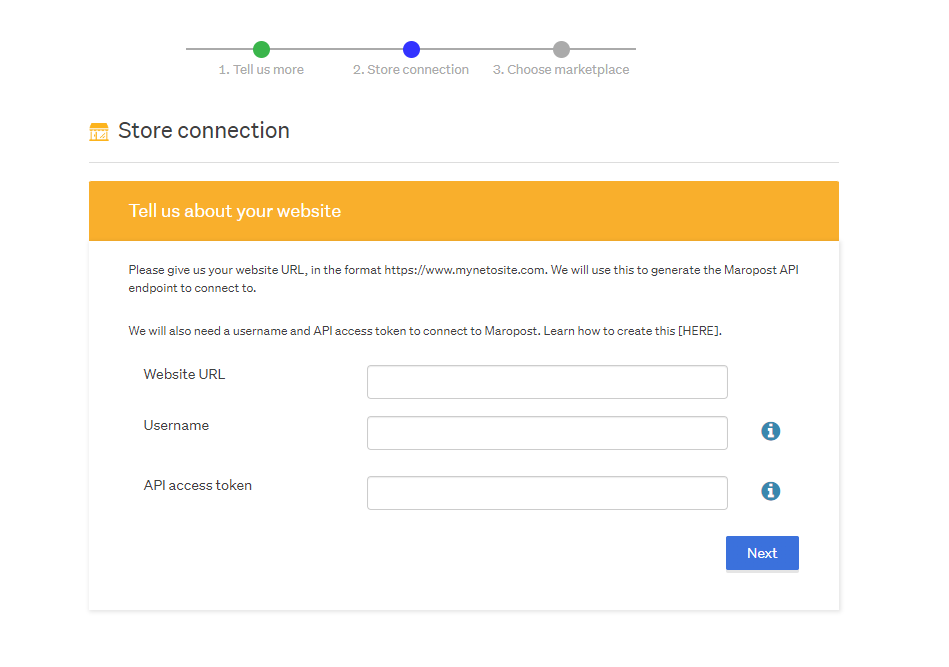
- Once you have added these details click Next.
- The next step is to select a marketplace. You won't connect Trade Runner to your actual Marketplace Store (Trade Me) straight away, you will just add that marketplace into Trade Runner and proceed into Marketplace Setup Mode.
- Once you select and add your marketplace of choice and click next you will be taken to the Trade Runner Dashboard.
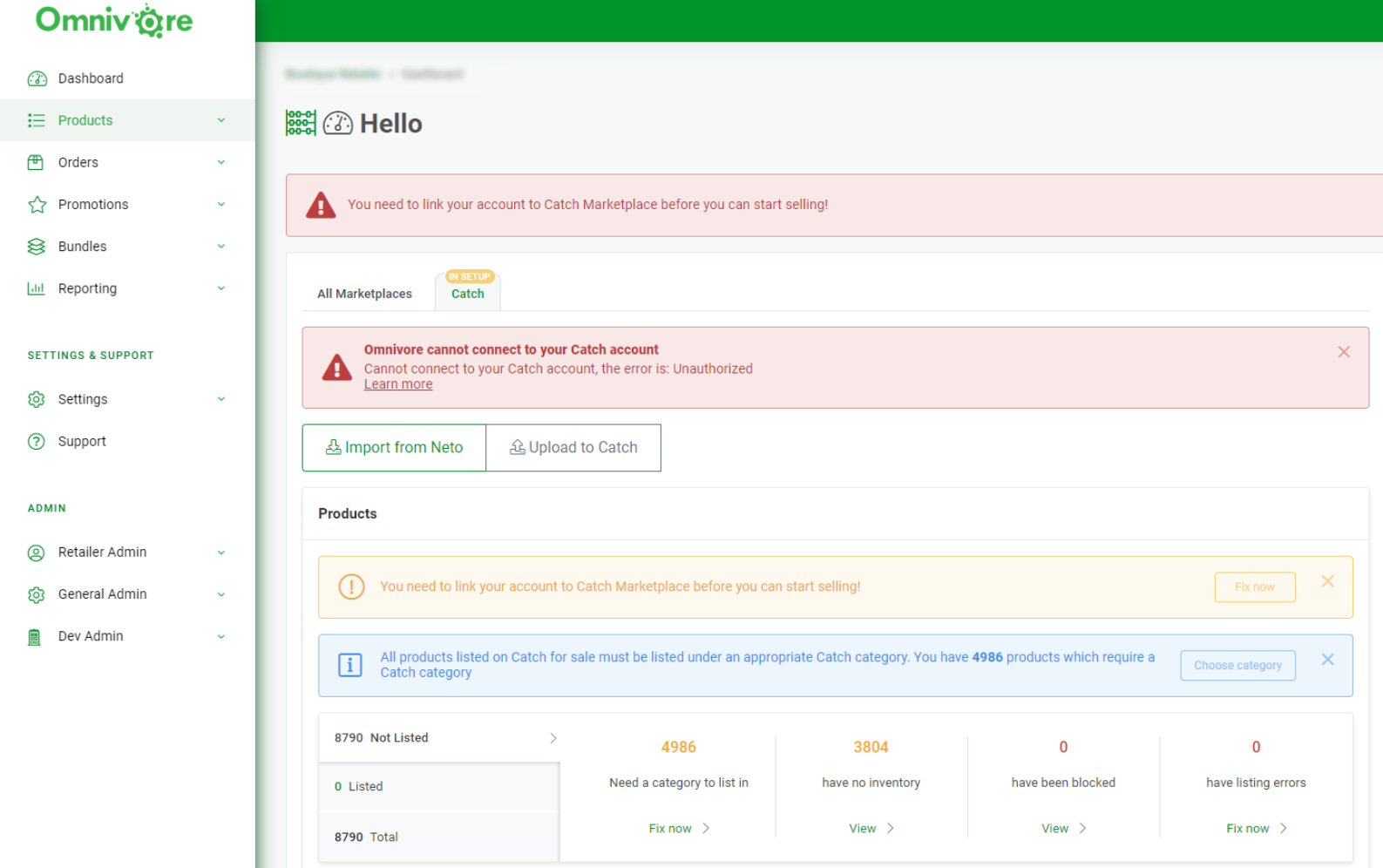
- Using the below screen capture this Trade Runner Account has selected the Trade Me Marketplace and they are now in Setup Mode for Trade Me, the next step would be for them to authorise Trade Runner to Trade Me.
Next Steps & Required Reading
The FAQ's below cover the setup steps that are required in order for us to list your Maropost products on your chosen marketplace. The first install step is complete, now the actual Trade Runner setup begins.
See our Full Setup Checklist here.
Certain required tasks apply to all marketplaces such as:
- Ensure your Marketplace Account is complete and setup
- Connect Trade Runner to the Marketplace
- Map your products to Marketplace Categories
- Consider any existing listings on the Marketplace
- You may want to edit your descriptions in Trade Runner
- You may want to block or exclude some products from listing.
- Setup Shipping in Trade Runner and within the marketplace
If you require any assistance from our Integration and Support team please raise a ticket here and we can assist.
As mentioned in this FAQ we also offer Integration Packages.