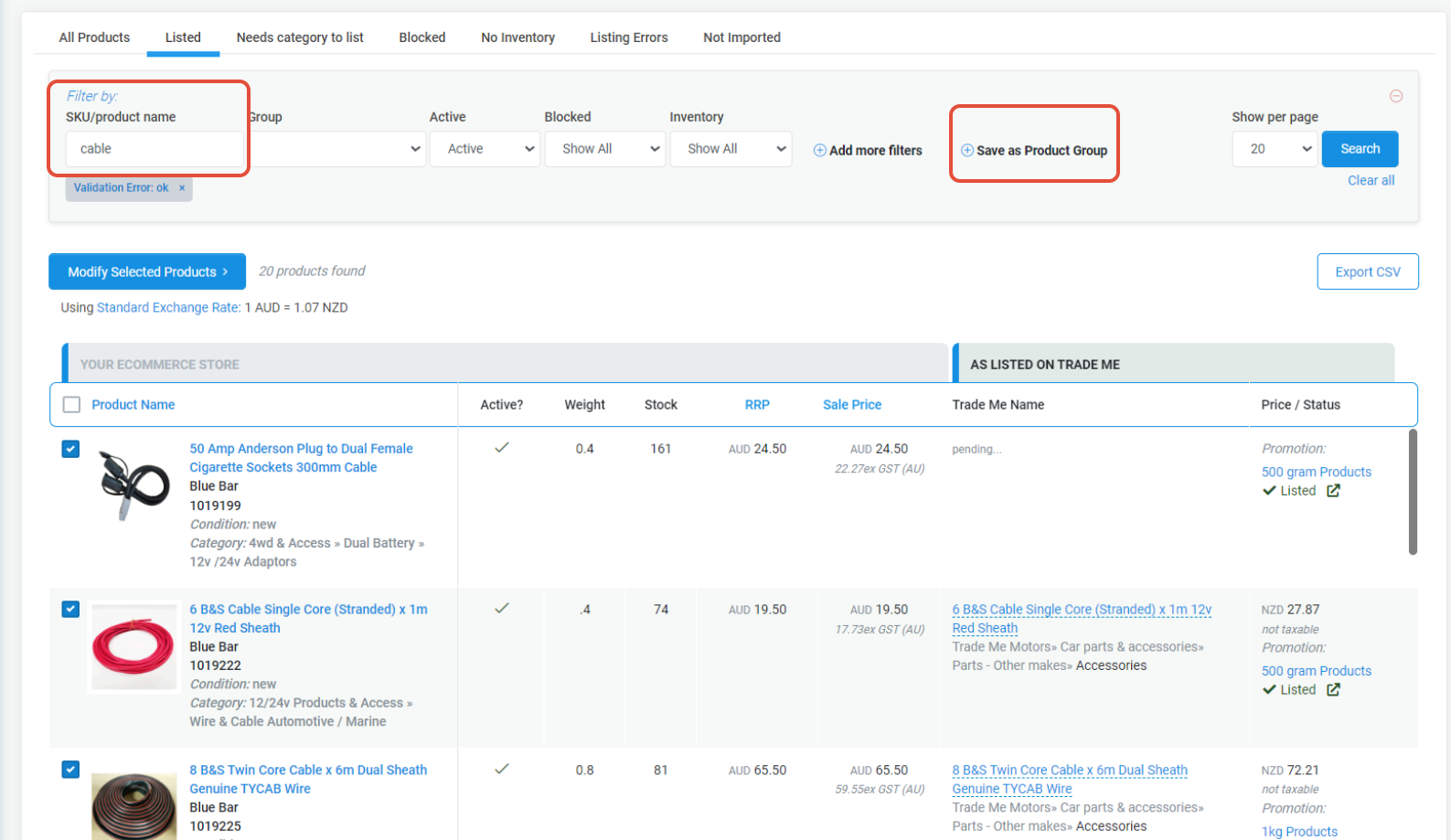
This FAQ tells you more about the Manage Listings section in TradeRunner.
To get to this section click on Products - Trade Me - Manage Listings.
What will you find on the Product Page.
The Manage Listings section shows which products we have imported from your eCommerce store.
On this page you can:
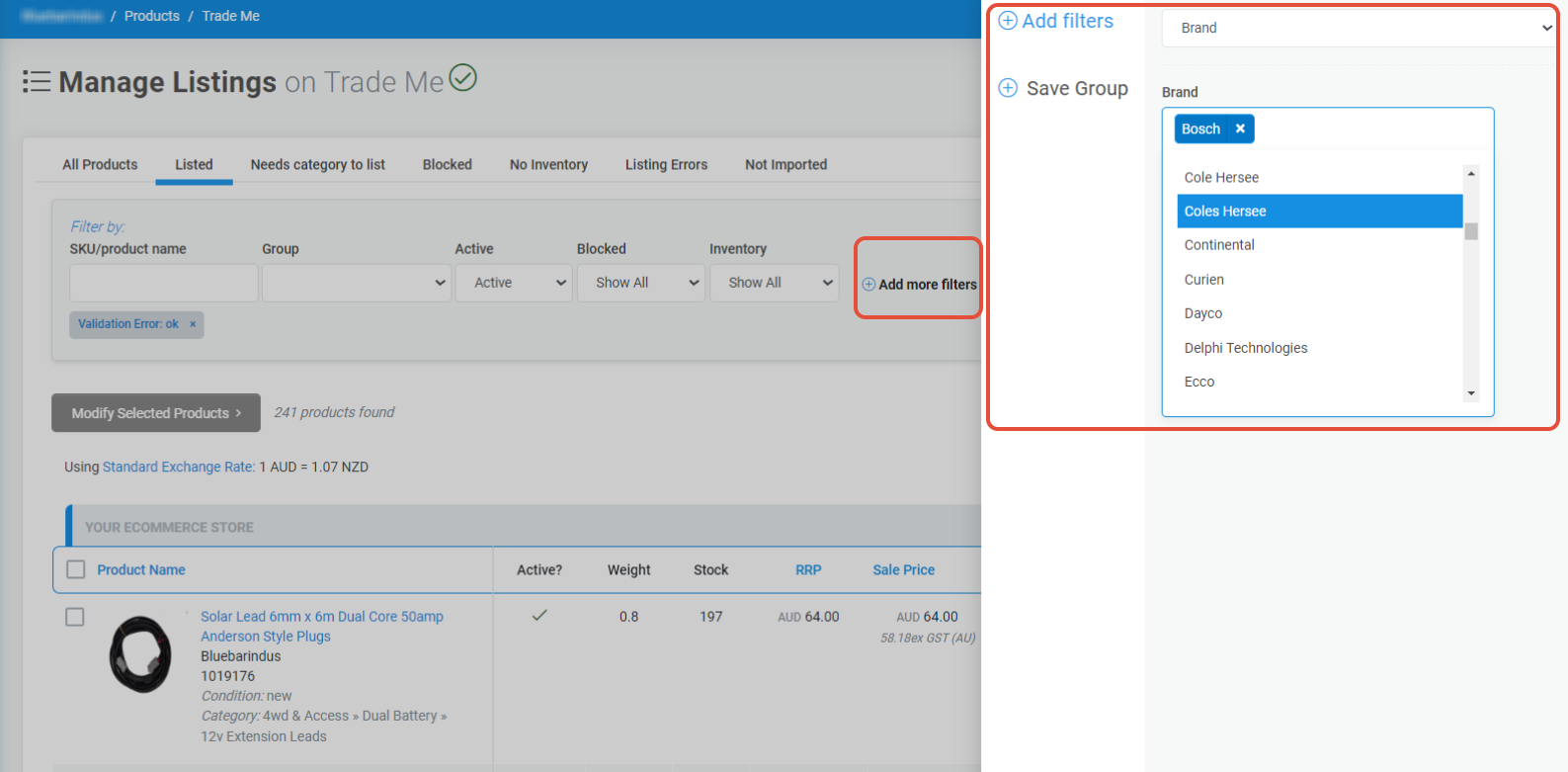
Find by Name or SKU ~ Filter by Brand/Category/Active/Blocked/Price/Weight/And more ~ Search products then save them to a Product Group - Bulk select and modify the Condition - Bulk select and Block/Unblock/Export all of your products into a CSV.
- Search - for a product(s) by SKU or keyword.
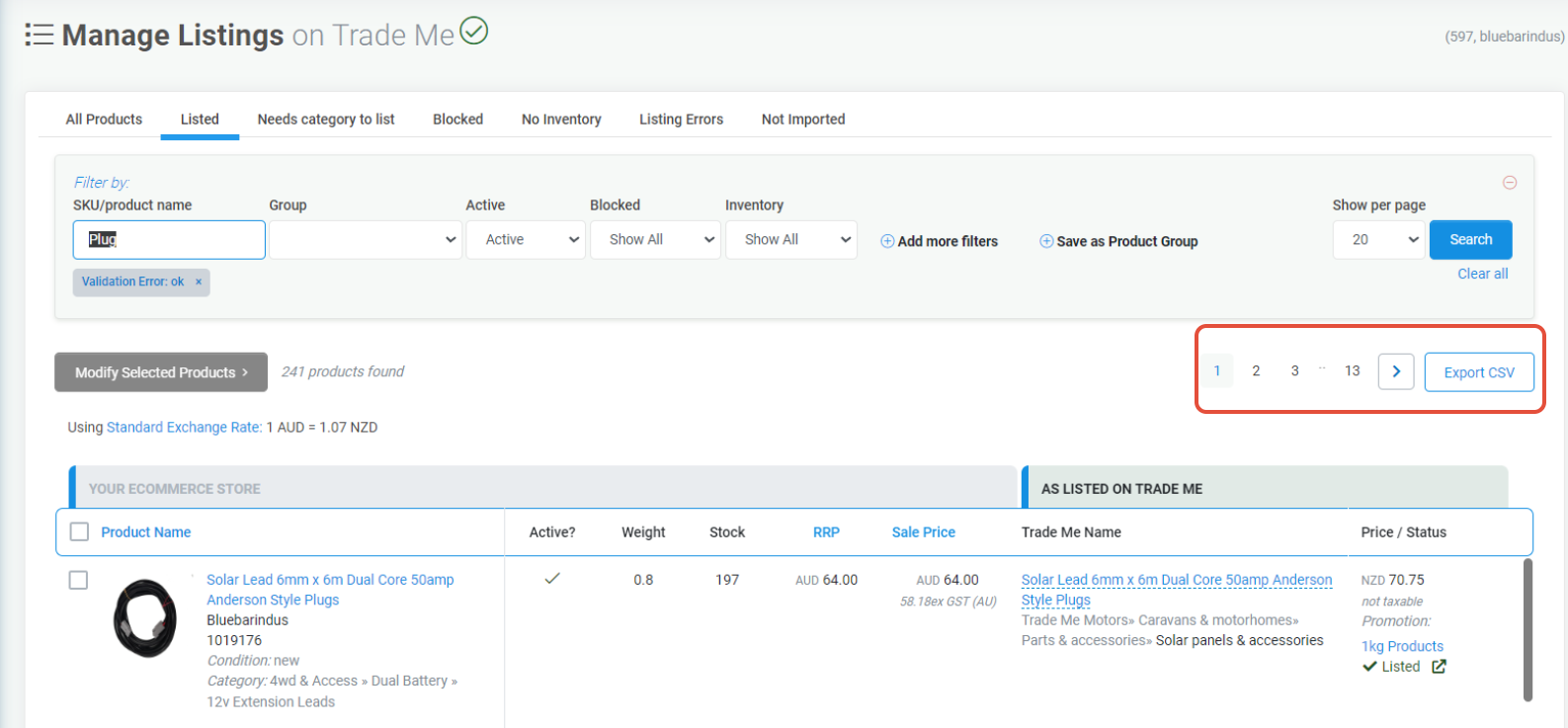
- Filter - products by brand, active or blocked products
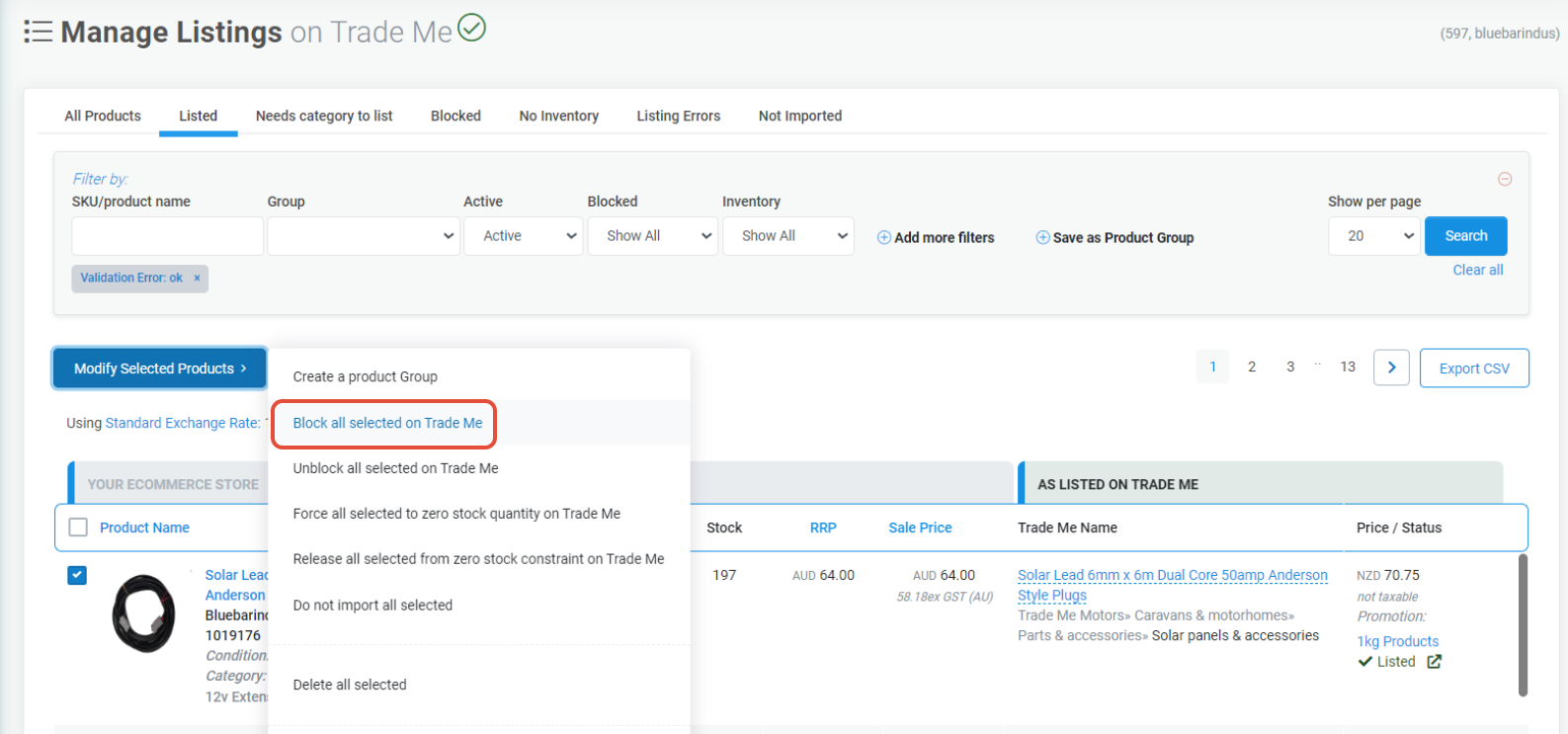
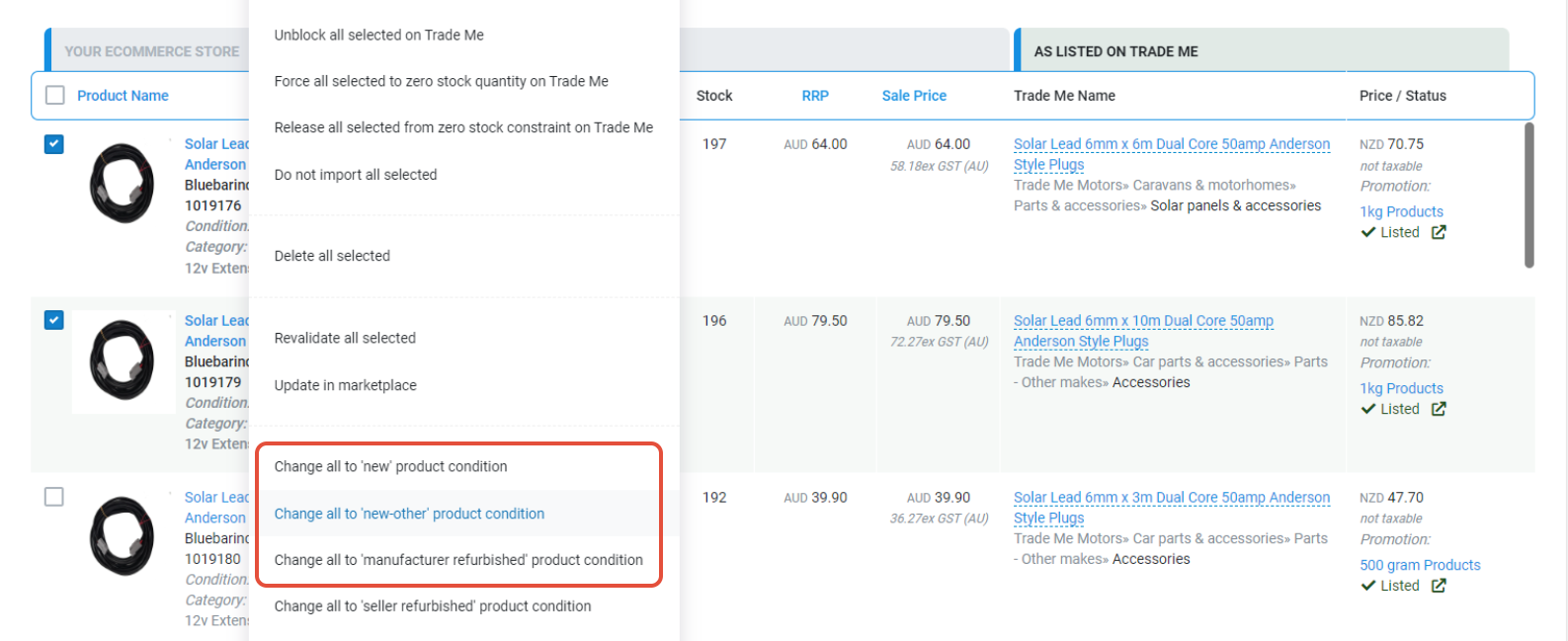
- Block/Unblock - a product from listing on a marketplace (e.g Trade Me). This is done via the Modify Selected Products Menu Dropdown.
- Preview - a product e.g image, price, weight, then click through to see the full product details.
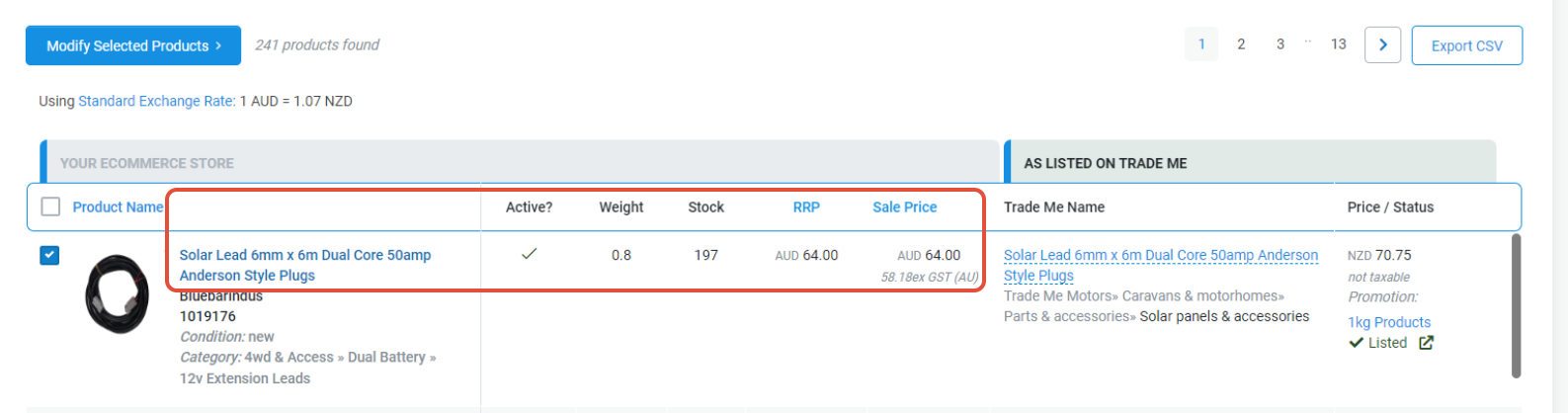
- Change - the product condition from New to Used or Refurbished. This is done via the Modify Selected Products Menu Dropdown.
- Click on a Product Name to view the Product Page in Trade Runner.
- Search on some products and then save the selected product into a New Product Group.